ListLens journal · Photography
Product photography for jewelry: a seller’s detail checklist
Product photography for jewelry needs to show what buyers would check if they could hold the piece: the setting, the finish and how it’s put together. Clear photos answer those questions before someone orders. Use this checklist to plan your shots, then see where ListLens can help with staging and image preparation. You’ll still need to check the finished images against the real piece.
By ListLens ·
Why details matter more than decoration
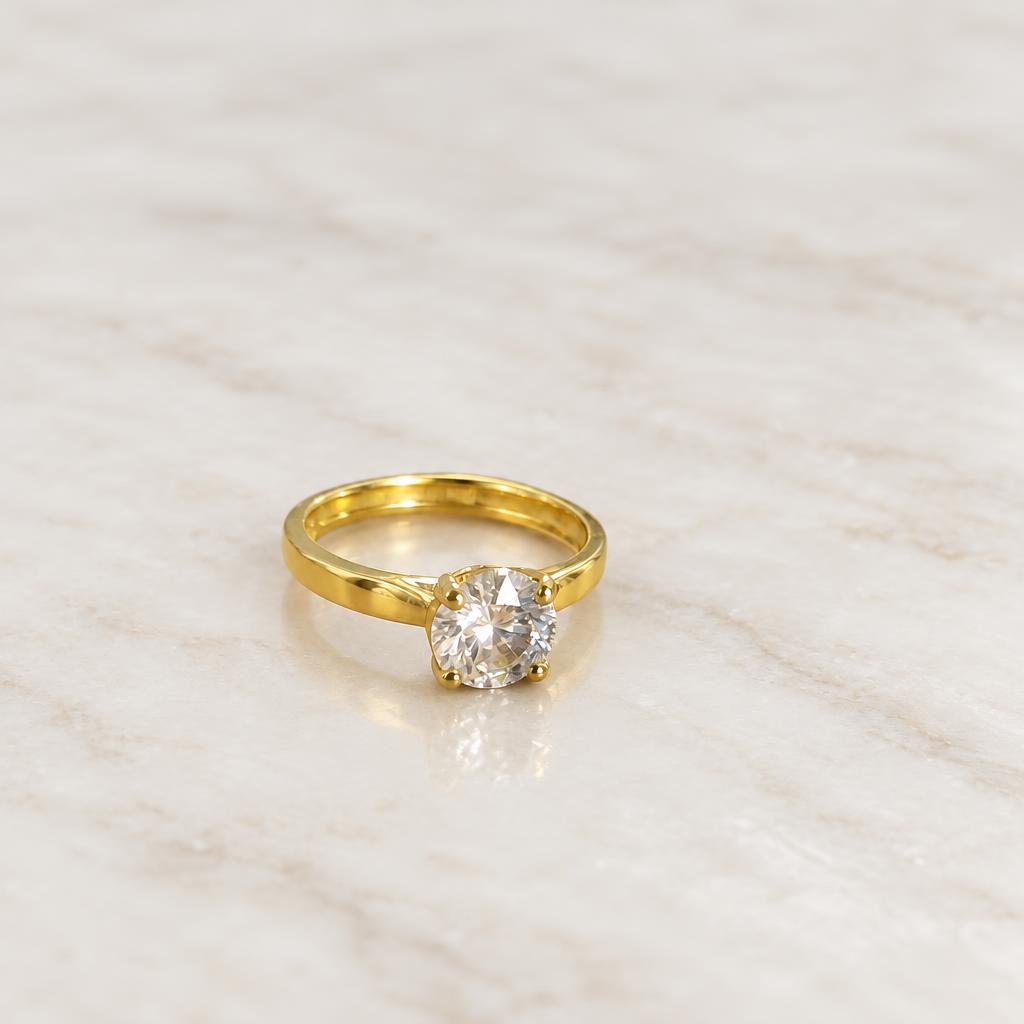
A dramatic background won't show a buyer how a pendant fastens or how high a ring's setting sits. Start with a clear view of the whole piece. Then move closer to show the stone colour or surface texture, and turn it over so buyers can inspect the fastening and setting. A better-looking image is useful, but it doesn't guarantee more sales.
Build an image set that answers real questions
- A clear main image showing the complete piece, with space around its edges.
- A close-up of the stone, prongs, engraving or distinctive finish.
- A second angle showing the back, clasp or band profile.
- A size-reference view, supported by measured dimensions in the listing.
- A styled supporting image that does not conceal important details.
For the capture basics, use our guide to photographing jewellery at home. Photograph genuine markings where relevant, but do not add or enhance a hallmark that the item does not have.
Keep metal reflections soft, not lifeless
Polished metal reflects whatever is around it, including the room you're photographing in. Start beside a window with indirect light and switch off nearby lamps. Turn the piece until the bright reflection stops hiding its shape. If one side looks too dark, try a white card opposite the window. Leave some reflection visible, though. Without it, polished gold or silver can look flat.
Avoid direct phone flash as your default. Clean the piece with a material-appropriate method, remove dust from the surface and check for fingerprints before taking the close-up. Handle delicate stones and finishes according to the maker’s care instructions.
Check stone colour and focus before editing
Tap the stone or setting to focus, hold the phone steady and check the original at full size. If the close-up is soft, move back a little rather than reaching for digital zoom. If a reflection covers the stone, take another angle. Coloured surroundings and mixed lighting can change how the colour looks, so stick to a neutral surface and one consistent light source.
Keep the original photo as your reference. An edit that makes an emerald brighter but changes its actual appearance is not a better product photo. Include a clear size reference rather than expecting an AI scene to establish the item’s dimensions.
Where ListLens fits
ListLens is an AI photo studio designed for jewellery sellers. It offers gemstone colour-lock settings, metal-tone controls, staging surfaces, lighting environments and shadow/reflection adjustments. These settings guide the render; they do not certify that every fine detail has been preserved. Compare the result with your source at close zoom, checking stone shape, prong count, chain links and metal tone.
Use the collection photography workflow to keep your style consistent. For paired pieces and other tiny products, read our product photography for jewelry & small objects setup.
Review the final listing, not just the render
Check the small thumbnail as well as the full-size image. Is an earring tip missing from the crop? Has part of the chain been cut off? Make sure the background suits the channel and the image still shows the item accurately. ListLens can prepare Etsy, Shopify and Amazon crops, but check each marketplace’s current requirements and inspect the exported files before uploading.
Create a ListLens account for 3 free renders with no card required, including downloads of your results. Then plans start at $15/month USD for 30 renders. If you need help deciding which source photo to use, contact ListLens support.