ListLens journal · Photography
AI product photography for fashion and jewellery: a seller’s guide
AI product photography for fashion and jewellery promises studio-quality images from a phone photo. With a small reflective piece, though, a good-looking scene isn’t enough. The stone and setting still need to match what you’re selling. This guide looks at where AI staging can save you time, what to check before publishing, and how ListLens handles jewellery.
By ListLens ·
Why jewellery is the hardest fashion category to fake
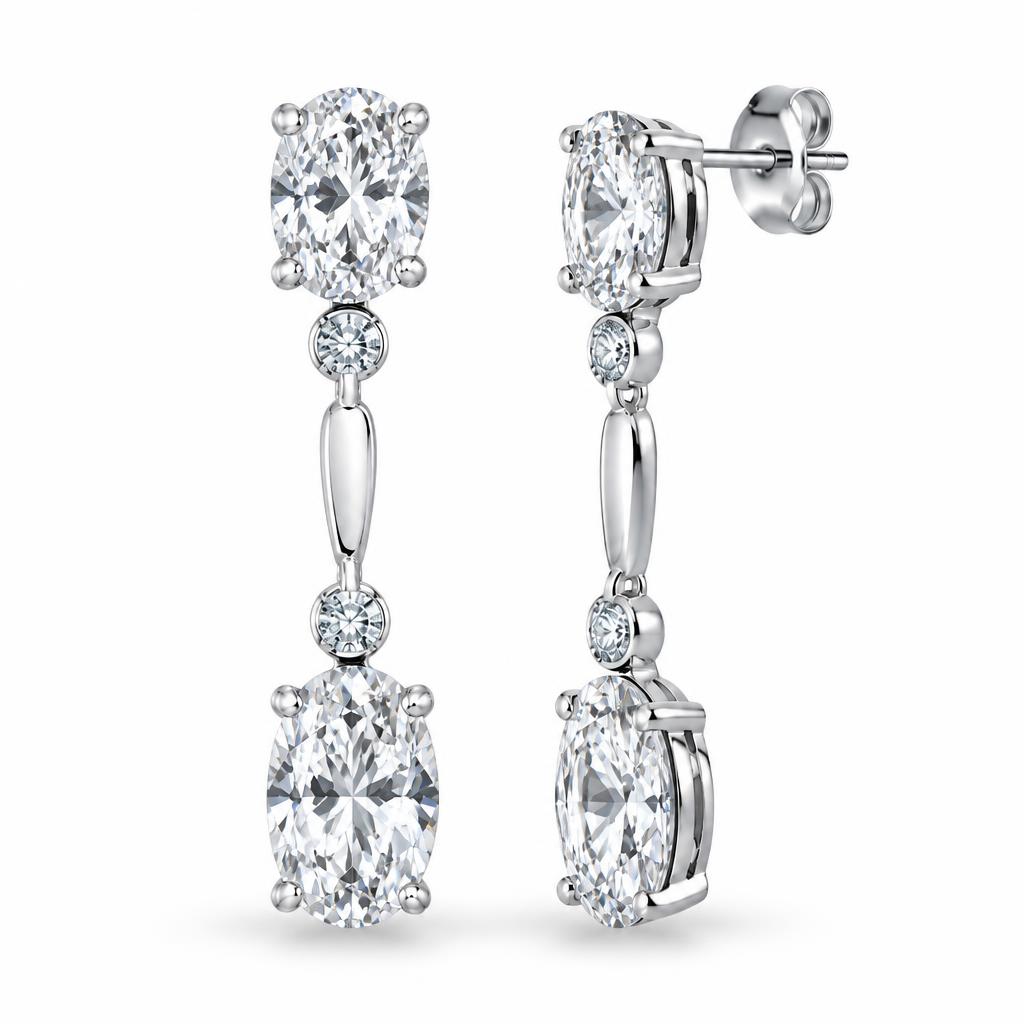
A small editing error may be less noticeable on a dress or bag than on a solitaire ring. Polished metal reflects the room, and gemstones change colour under different light. Buyers zoom in to check a hallmark or see how the stone is held. A general-purpose AI tool may smooth away those details, or add sparkle the real stone doesn't have.
That is why the capture still matters. Our guide to photographing jewellery at home covers the lighting and focus basics that give any AI tool a fair starting point.
Where AI staging genuinely saves time
- Consistent backgrounds across a whole collection without rebuilding a set for each piece.
- Styled supporting images on velvet, stone or linen, without spending hours arranging the physical scene.
- Marketplace-ready crops for Etsy, Shopify and Amazon from one master image.
- Cleaning up small distractions like dust or a creased surface while keeping the product itself intact.
Keep the job clear: use AI to work on the scene around the jewellery. Your original photo is still the reference for what the piece actually looks like.
What to check before an AI image goes live
Before publishing, open the edit beside your original and zoom in. Start with the stone: its shape and colour should match. Count the prongs, follow the chain links and check that the metal still looks like the real alloy. Look for new coloured reflections. Check the surroundings too, especially anything that makes a small pendant look bigger than it is. If the edit doesn't represent the item faithfully, use the original or reshoot.
The jewellery detail checklist lists exactly what buyers look for, and the small objects setup guide helps with earrings, charms and other tiny pieces.
How ListLens handles fashion and jewellery
ListLens is built for jewellery sellers, not general products. It includes gemstone colour-lock settings and metal-tone controls for gold, rose gold, silver and platinum. You can also choose staging surfaces and lighting environments, then adjust shadows and reflections. If you want to keep your original background, you can just retouch the piece and choose a staged scene later. Nothing changes until you ask for it.
Every setting guides the render; it does not guarantee perfection. Compare your original and finished render carefully. Try 3 free renders per account, no card required, and download your results before subscribing. Then plans start at $15/month USD for 30 renders.
Start with your own pieces
Test the tool on something you actually sell. Take a clear phone photo of one piece and work through the process. Then look at the result as a buyer would. Can you inspect the detail, and does the image give an honest impression of the item's size and finish?
Create a ListLens account to try the studio on your own photos, or contact us if you want advice on preparing a specific collection.